
The wp2shell WordPress vulnerability: why your business site needs a check right now
On July 17, 2026, WordPress patched the CVE-2026-60137 and CVE-2026-63030 vulnerability chain, which allows unauthenticated server takeover and is already being actively exploited. Here's how to check your site and build an update process you don't have to rely on luck for.

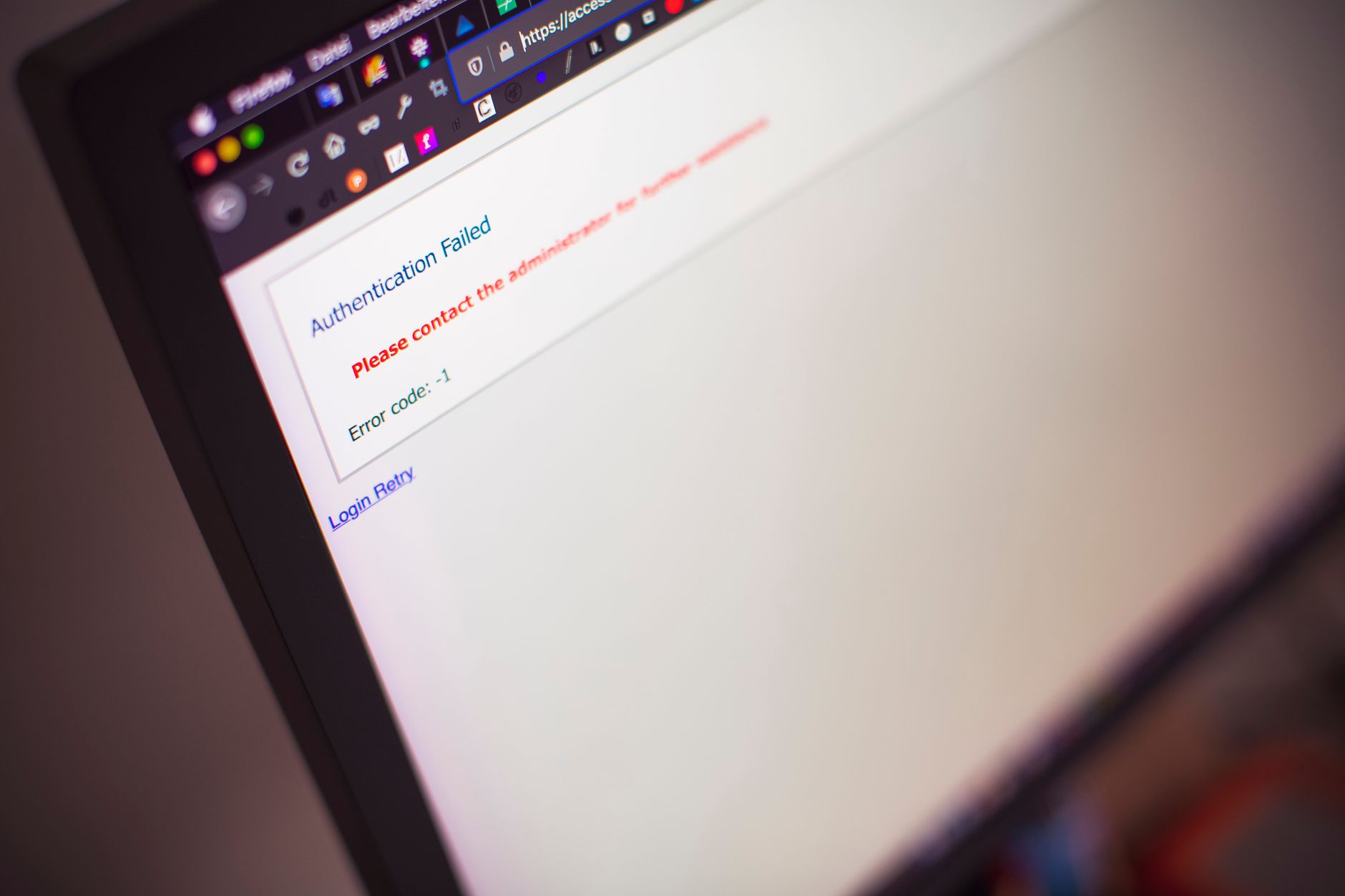
In mid-July 2026, the WordPress security team shipped emergency core updates closing a pair of critical vulnerabilities that security researchers quickly nicknamed wp2shell. The patch landed on July 17, and by the very next day security teams were already tracking the first attack attempts using a public exploit. For the owners of WordPress sites — and there are thousands of them in Uzbekistan alone, from online stores to corporate blogs — this is a reason to check their site today, not "sometime next week."
What happened: the CVE-2026-60137 and CVE-2026-63030 chain
Two vulnerabilities are involved, each dangerous on its own and critical when chained together. The first, CVE-2026-60137, is an unauthenticated SQL injection in one of WordPress core's base mechanisms. The second, CVE-2026-63030, lets an attacker who has already gained a foothold through the first flaw remotely execute arbitrary code on the server without any authentication at all.
What makes this chain unusual is that it isn't tied to any specific plugin or theme. The vulnerability sits in the WordPress engine itself, in a default configuration — meaning a site is exposed even if it has no third-party plugins installed at all. A single anonymous HTTP request is enough to gain control of the server and effectively drop a web shell, which is where the wp2shell nickname comes from.
The WordPress team rated the issue severe enough to push the fix not only through the standard update channel but also forcibly, through the built-in automatic security-update mechanism normally reserved for only the most dangerous flaws. The fixes shipped in versions 6.8.6, 6.9.5, and 7.0.2.
Why this matters for your site too
WordPress remains the most widely used CMS in the world, and Uzbekistan is no exception: it powers landing pages, online stores, corporate sites, and blogs for businesses of every size. "Our site is small, who'd bother with it" doesn't hold up here — automated scanners don't pick targets selectively, they sweep through millions of domains indiscriminately. A compromised site gets used to send spam, host phishing pages, mine cryptocurrency, or serve as a launchpad for attacks on other sites sharing the same hosting network.
For a business, that's not an abstract risk. A breached online store means orders stop coming in, and if the site handles payment data, there's a reputational hit on top that's hard to put a price on. For a corporate site, it means deleted or defaced content, stolen contact databases from lead forms, and in the worst case, the company's own domain being used to attack partners and customers — a blow to trust that outlasts any temporary downtime.
How to tell if your site is at risk
The check takes a few minutes, but it needs to be done methodically:
- Check the core version. In the WordPress admin panel, it's shown on the "Updates" page or in "Site Health" information. If the version is below 6.8.6 (for the 6.8.x branch), 6.9.5 (for 6.9.x), or 7.0.2 (for 7.0.x), the site is exposed.
- Confirm automatic security updates are enabled. WordPress applies minor version updates automatically by default, but on many sites this has been manually disabled after past conflicts with plugins.
- Scan server logs for anomalies. Bursts of POST requests to unusual endpoints, unfamiliar files in the
wp-content/uploadsdirectory, or new administrator accounts are signs the exploit may already have been used. - If you use managed WordPress hosting, ask your provider whether they've already applied the patch centrally at the platform level.
What to do right now
The steps are straightforward, but each one matters:
- Update the WordPress core to the latest version immediately, without waiting for a scheduled maintenance window.
- Update every plugin and theme — many vulnerabilities get exploited in combination with outdated extensions even after the core itself is patched.
- Back up the database and site files before updating, and store the backup separately from the main server.
- Change administrator passwords and, where technically possible, turn on two-factor authentication for the admin panel.
- If there's any suspicion the site was already compromised before the patch was applied, updating alone isn't enough — you need a file audit for planted scripts and a full review of administrator and publisher accounts.
What if your site isn't on WordPress
The wp2shell episode is a good prompt to rethink CMS security in general, regardless of platform. Sites built on 1C-Bitrix follow the same logic: timely core and module updates, tracking the vendor's security bulletins, and tightening access rights cut risk far more effectively than any reactive, one-off fix. 1C-Bitrix ships with a built-in "Proactive Filter" and an integrity-monitoring module that are worth keeping switched on permanently — not just after headline news about the latest vulnerability.
The general rule holds for any CMS — WordPress, 1C-Bitrix, or otherwise: core and extension updates should go out within days, not weeks, of a security patch, especially one released outside the normal release cycle. That off-schedule, urgent nature of a release is usually the clearest signal of how serious the issue is.
Building a process instead of fighting fires
Every headline-grabbing vulnerability like wp2shell exposes the same underlying problem: a lot of sites simply don't have anyone owning the update process. The site was commissioned once, launched, and never systematically revisited except for the occasional content edit. In that setup, a critical update only gets noticed by accident — through the news, or worse, through the fact of a breach.
A working alternative is a standing routine rather than one-off scrambles:
- Assign an owner for the site's technical health — an in-house employee or a contractor who gets notified about critical updates and is required to respond within a fixed window, say 48 hours.
- Keep an inventory of plugins and themes. The fewer unnecessary extensions a site carries, the smaller its attack surface, and the faster the check runs after each new vulnerability disclosure.
- Set up uptime and file-integrity monitoring. Simple alerting services for downtime or checksum changes on key files are inexpensive and cut incident-detection time from weeks to hours.
- Schedule a test update on a staging copy before rolling a patch onto the production server — this removes the fear of updates that so often is the real reason they get put off for months.
For a mid-size or large business whose site is a sales channel or its main source of leads rather than a digital business card, a routine like this pays for itself the very first time it prevents an incident: a day of downtime for an online store typically costs far more than an hour of a specialist's time spent applying a patch on schedule.
Summary
The wp2shell vulnerability chain — CVE-2026-60137 and CVE-2026-63030 — affects WordPress's base configuration regardless of installed plugins and is already being actively exploited in real attacks. The patch shipped on July 17, 2026 in versions 6.8.6, 6.9.5, and 7.0.2, and installing it should be the top priority for any site owner on this platform. Checking the core version, updating plugins, backing up, and rotating passwords are the minimum set of steps to complete in the coming days. For businesses, it's also a reminder: CMS security — whether WordPress or 1C-Bitrix — only works when updates are applied routinely, not after a vulnerability has already made the news.
Lead full-stack web developer and Bitrix24 service integrator at Red Button.
Related reading
 318
318WordPress 6.9: What Changed in the Editor and Why Your Business Should Update
WordPress 6.9 introduced real-time collaborative editing, a command palette, and new blocks that cut plugin dependency. Here's what it means for your business website and how to upgrade safely.
 448
448CMS + AI: Content Management in the Age of AI Agents and Headless Architecture
The CMS market in 2025–2026 has split into three camps: traditional platforms, Headless API-first solutions, and SaaS with native AI. We explore how AI is changing content creation, translation, and delivery, what the MCP protocol means for CMS, and how to choose the right platform — from a corporate site to a multilingual e-commerce store.
Tell us about your task — we'll propose a solution
Free consultation: we'll analyze processes, select a license and estimate implementation for your business.